MediaBot
MediaBot is a powerful, lightweight media server designed for cross-browser compatibility.
MediaBot Server allows you to organize, stream, and enjoy your personal media collection including movies, TV shows, and music from anywhere on your home network - no internet required. Access your media library through any modern web browser or dedicated apps for Apple TV and iOS (available now in beta), Samsung TV (in progress), and macOS (coming fall 2026), giving you flexibility without compromising on performance or privacy.
Key highlights
- 100% offline — works entirely on your local network with no external login
- Universal browser support — Chrome, Safari, Firefox, Edge, or any modern browser
- Minimal resource usage with lightning-fast performance
- Zero tracking or data collection — your media stays completely private
- Library sync — mirror libraries from remote MediaBot servers to your Mac
- Clean, intuitive interface that works seamlessly across all devices
'%20cx='512'%20cy='120'%20rx='300'%20ry='120'%20/%3e%3c/svg%3e)
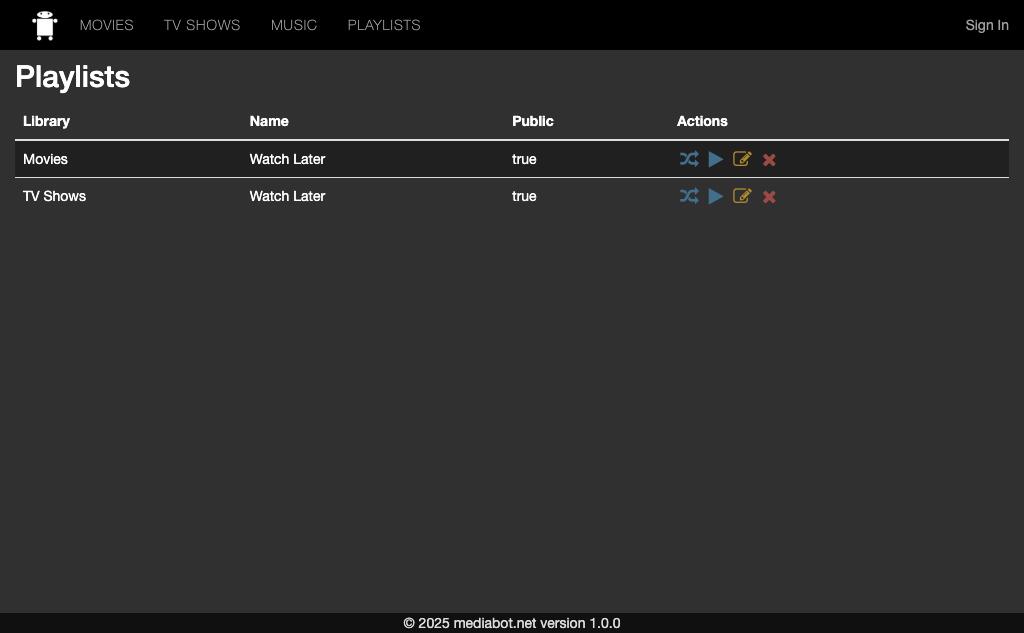
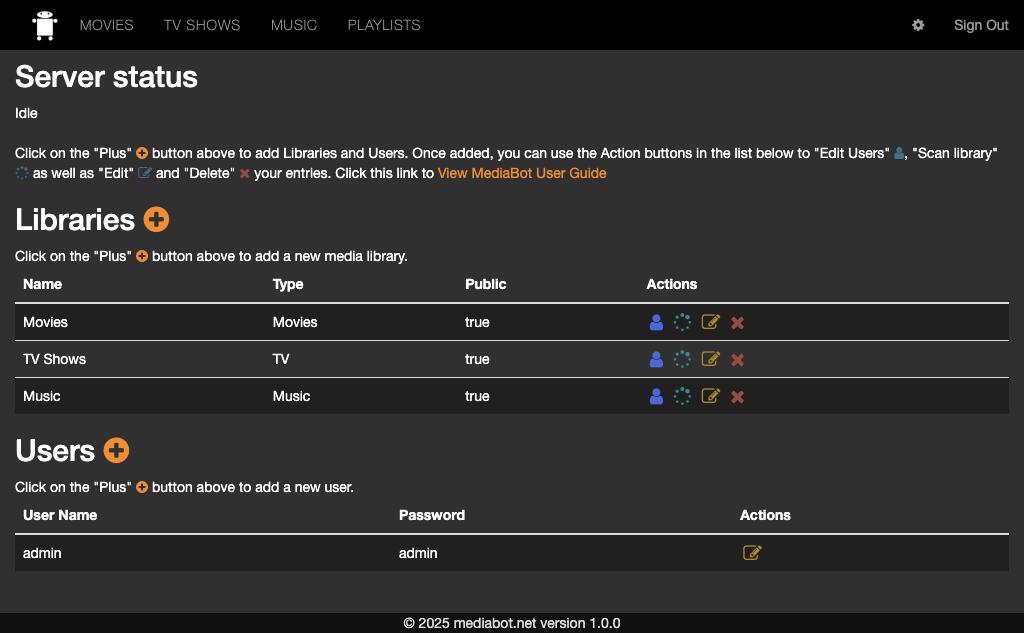
Screenshots
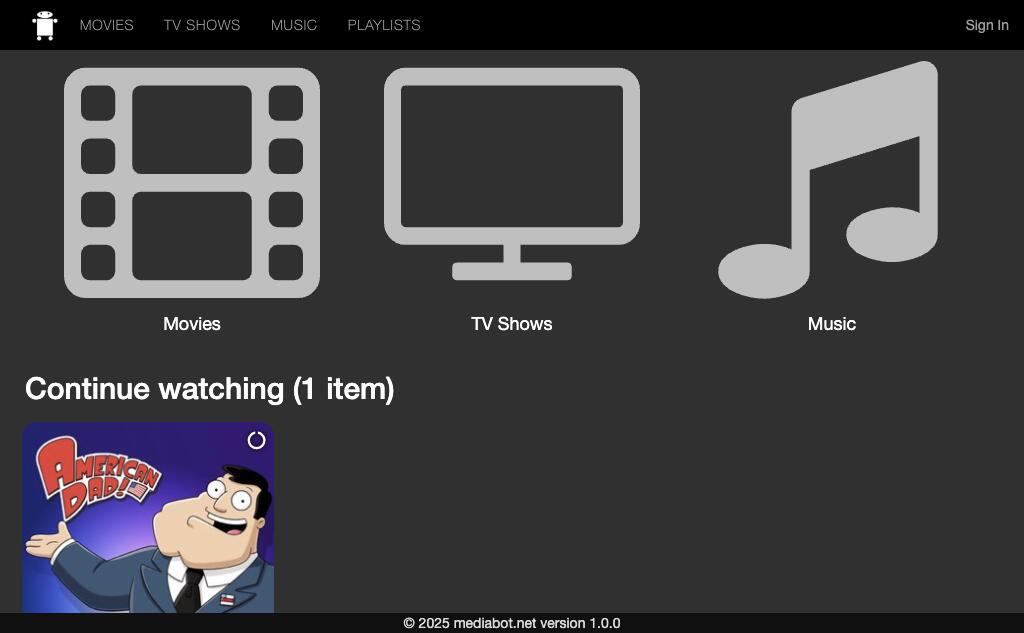
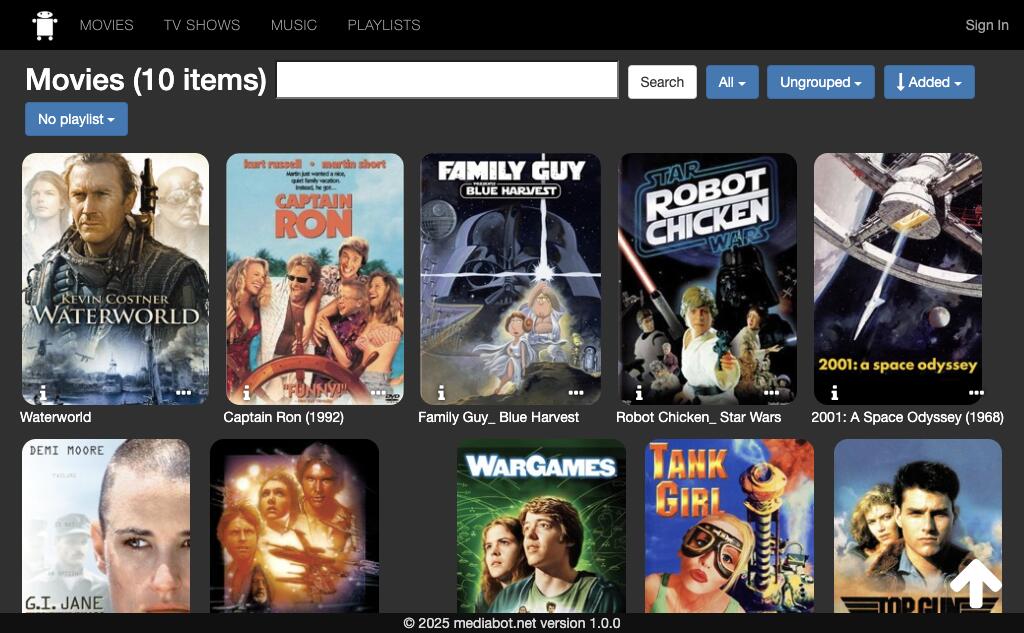
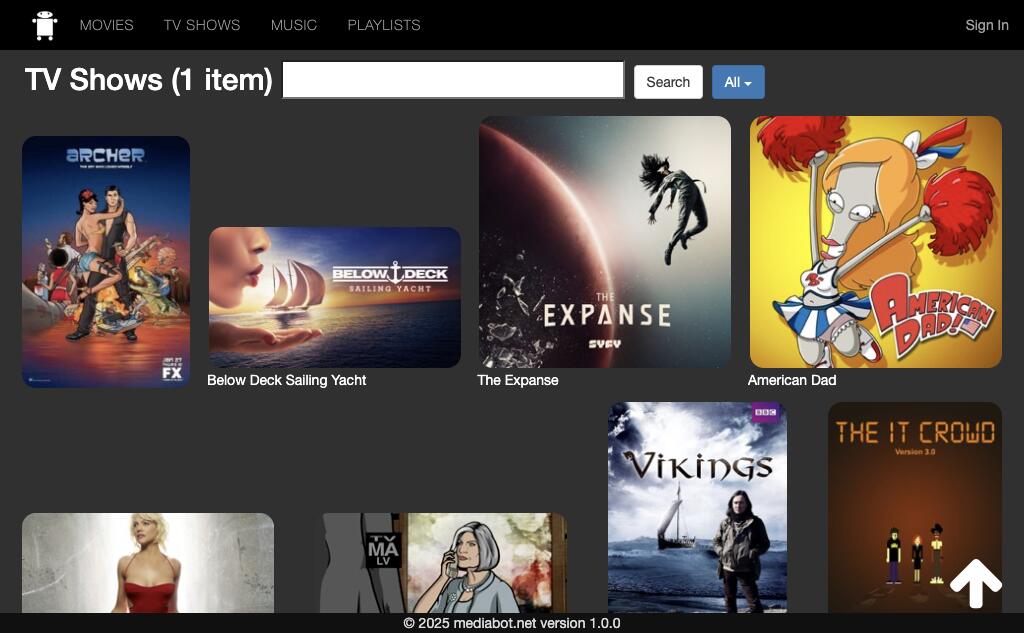
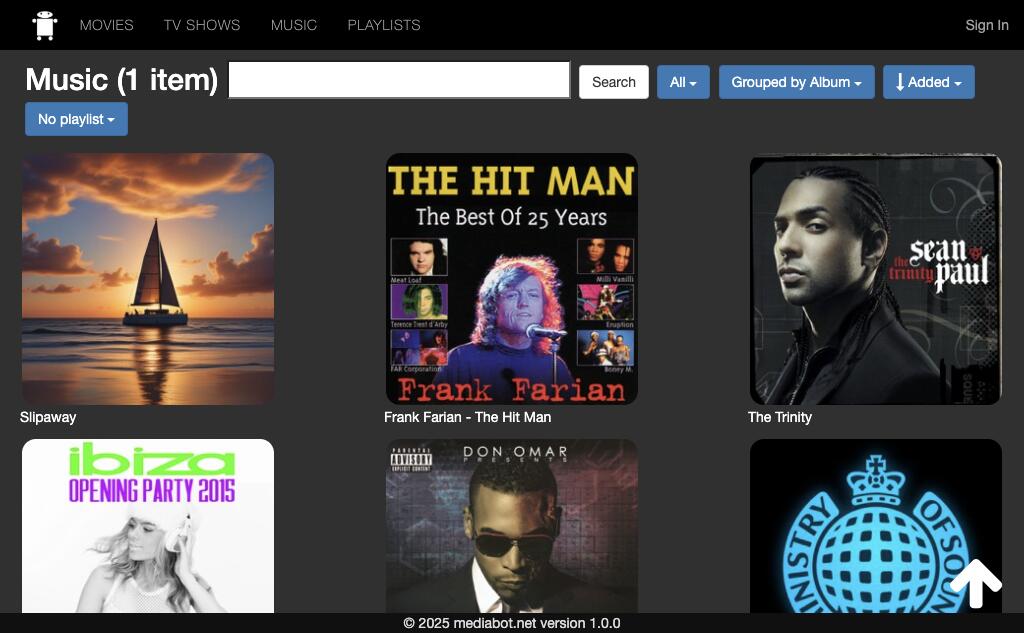
Features
The Basics
- MediaBot Server runs on MacOS
- Your User Interface is a web app
- Convert all your videos to mac format using any other app (see Guide)
- Use "Add to Home Screen" to add it as an app on your iOS home screen
- Videos can be played in the browser and supports picture-in-picture on most devices
- Works great on iOS and in Safari, and any device with a modern web browser (i.e. Android)
- Library sync — replicate libraries from remote MediaBot servers directly to your local machine
- One time purchase, no recurring fees
Competitor Comparison
| Feature | Plex | Jellyfin | MediaBot |
|---|---|---|---|
| Login | Internet ✗ | Local ✓ | Local ✓ |
| Tracking | Cookies ✗ | None ✓ | None ✓ |
| Library sync | Cloud sync ✗ | No ✗ | Yes ✓ |
| MetaData Size (500 files) | 109.3 MB ✗ | 226 MB ✗ | 10.8 MB ✓ |
| MetaData Size (8000+ files) | 6.8 GB ✗ | 11.8 GB ✗ | 139 MB ✓ |
| Memory footprint | 415 MB MB ✗ | 528 MB ✗ | 315 MB ✓ |
| Price | Subscription ✗ | Free ✓ | $9.99 ✗ |
Upcoming Features
- macOS native app (coming fall 2026, AppleTV Beta available)
- Samsung TV app (in progress)
- Our story
Download
MediaBot Server for macOS
Checking latest build...
Automatic updates are delivered by the built-in updater using the feed below.
Q&A
Does MediaBot require an internet connection?
No, MediaBot is designed to work completely offline on your local network. Once installed, you can access and use it without any internet connection.
What file formats are supported?
MediaBot supports file formats that play natively in Safari:
- Video: MP4, M4V, MOV
- Audio: MP3, M4A, AAC
How do I update MediaBot?
The macOS server app includes a built-in updater. When a new version is available, it will prompt you to download and install the update automatically.
Is my media collection secure?
Yes, MediaBot is designed with privacy and security in mind. Your media stays on your local network, and MediaBot doesn't collect any usage data or personal information.
Can I access MediaBot from outside my home network?
MediaBot is designed for local network use. If you need remote access, you would need to set up a VPN to your home network.